Bakta
Time: 15 min
Objectives: Be able to run bakta annotation tool
Questions:
- How to run bakta?
Tools: bakta
Foreword
Prokka (Seemann 2014) has been widely used for bacterial genome annotation, but Bakta (Schwengers et al. 2021) is now recommended as its successor.
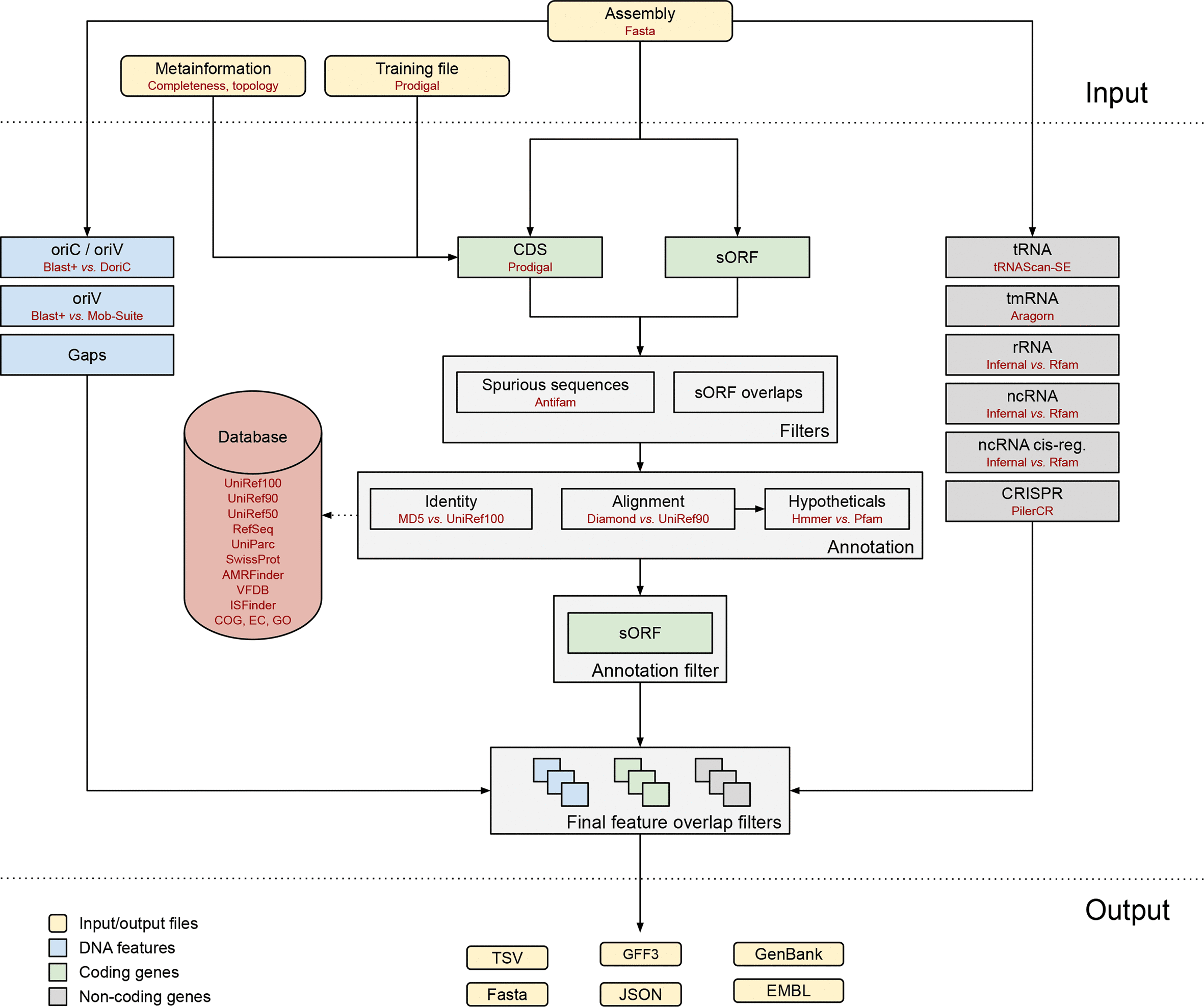
Bakta is a tool for the comprehensive & standardized annotation of bacterial genomes and plasmids from both isolates and metagenome-assembled genomes (MAGs). It implements a comprehensive annotation workflow for coding and non-coding genes (i.e. tRNA, rRNA). Bakta is a complex workflow involving numerous steps and, despite the small size of bacterial genomes, may seem slow. Nevertheless, it generally takes less than 10 minutes to process an E. coli genome using eight CPU.
Running bakta
Search for the
Baktatool in Galaxy
Select your genome assembly.
In the
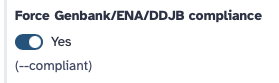
Optional annotationsection, activateForce Genbank/ENA/DDJB compliance
- In the
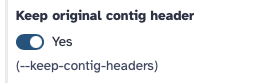
Optional annotationsection, activateKeep original contig headerotherwise bakta rename sequences id to its own format.
- In the
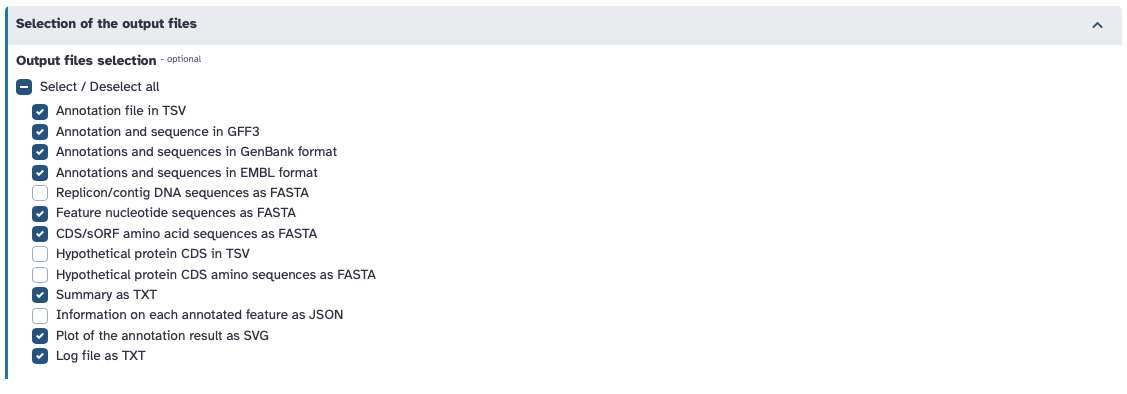
Selection of the output filessection, select the desired output files as follows:
- Run the tool
In case of metagenomic assemblies, do not forget to activate the metagenome mode option within the Optional annotation section.
=> Look at the result by clicking on on the Bakta Summary (TXT) line in your history on the right side.
89.1 In bacteria this values is usually high due to the compact nature of bacterial genomes.
That’s a trick question… Genes are genomic sequence that produces a functional product, which can be an RNA or a protein. So depending if you consider sORFs, hypotheticals and pseudognes as producing functional products, the number of predicted genes may vary. Let’s keep it simple and count only genes well defined… tRNAs: 92
tmRNAs: 1
rRNAs: 22
ncRNAs: 188
ncRNA regions: 62
CDSs: 5119
Total = 5484
We can observe that many components have been annotated successfully, providing a comprehensive overview of the genomic features.
=> Now look at the result by clicking on on the Bakta Summary line in your history on the right side.
This represent a simplify view of the annotation results that is encoded in GFF3 file format that we will explore next.
GO, UniParc, UniRf, RefSeq, SO, RFAM, COG, VFDB, etc.
=> Not look at the result by clicking on on the Annotation and sequences (gff3) line in your history on the right side.
Name, product, Dbxref, Note.
Bakta provides annotation in flat file format correspondong to INSDC standard for two major public archives: EBI (European Bioinformatics Institute) and NCBI (National Center for Biotechnology Information).
The EMBL format file for EBI and Genbank format file for NCBI. For your submission to EBI, you can directly use the EMBL format file. For your submission to NCBI, a conversion into ASN.1 (.sqn) format is required using the tbl2asn tool.
Bakta gives a lot of information already, especially regarding CDSs or RNAs, but some structural annotation might be missing, e.g. plasmids, or interesting things to identify independently.
Plasmids: If you already know which sequences are plasmids, you can supply a replicon metadata table using –replicons. To identify plasmids in contigs, use PlasmidFinder (Carattoli and Hasman 2020), a tool for the identification and typing of plasmid sequences in Whole-Genome Sequencing. It uses the plasmidfinder database with hundreds of sequences to predict the plasmid in the data.
Integrons : Integrons are genetic mechanisms that allow bacteria to adapt and evolve rapidly through the stockpiling and expression of new genes. To detect integrons, you can use IntegronFinder (Néron et al. 2022)
Insertion Sequence elements IS : is a short DNA sequence that acts as a simple transposable element. IS are the smallest but most abundant autonomous transposable elements in bacterial genomes. They only code for proteins implicated in the transposition activity. They play then a key role in bacterial genome organization and evolution. To detect IS elements, use ISEScan (Xie and Tang 2017). ISEScan is a highly sensitive software pipeline based on profile hidden Markov models constructed from manually curated IS elements.