Panexplorer
Time: 30 min
Objectives: Be able to have a quick comparative analysis of many genomes
Questions:
- How to run Panexplorer?
Tools: PanExplorer
Foreword
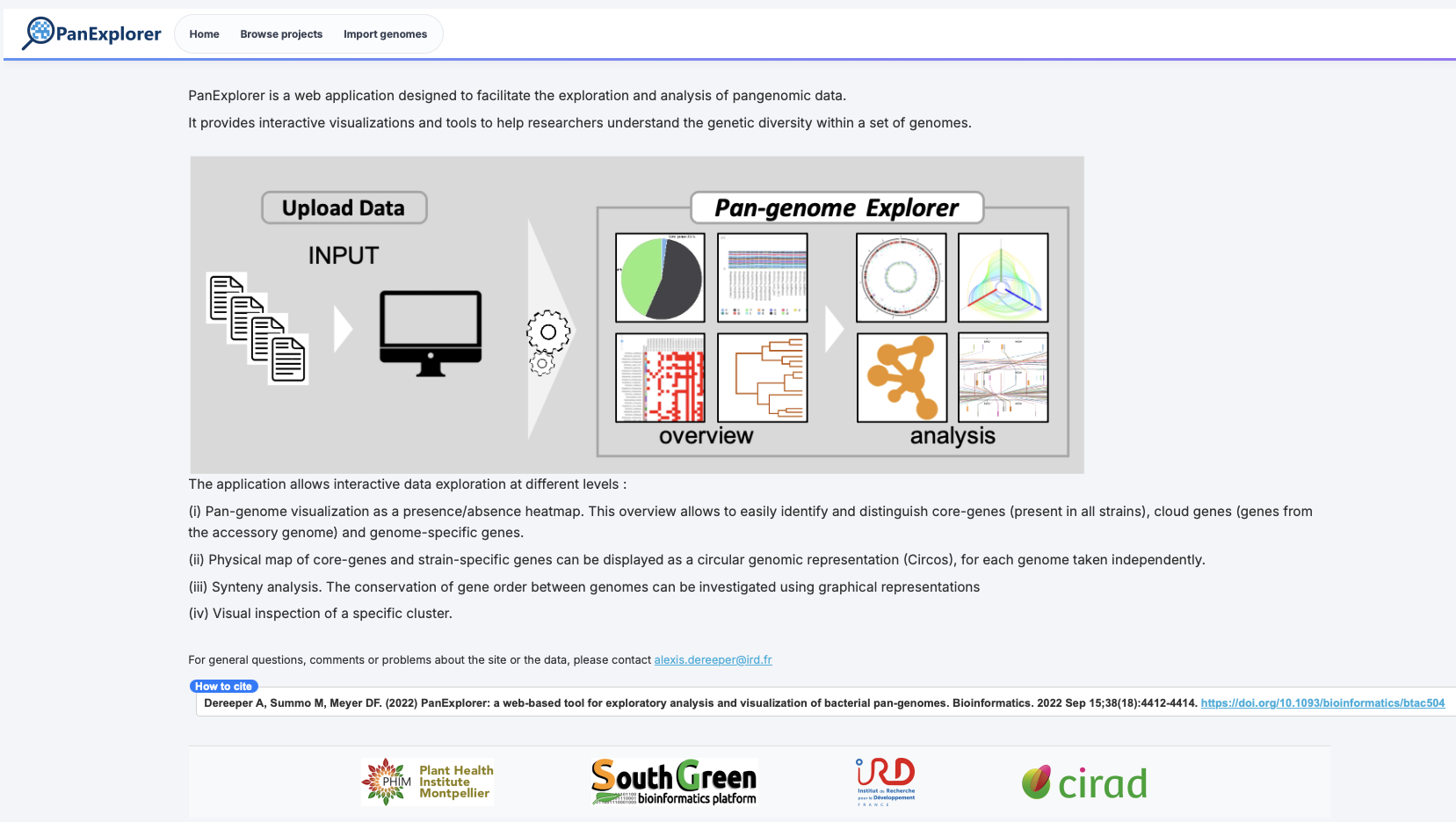
PanExplorer is a web application designed to facilitate the exploration and analysis of pangenomic data. It provides interactive visualizations and tools to help researchers understand the genetic diversity within a set of genomes.
The application allows interactive data exploration at different levels :
- Pan-genome visualization as a presence/absence heatmap. This overview allows to easily identify and distinguish core-genes (present in all strains), cloud genes (genes from the accessory genome) and genome-specific genes.
- Physical map of core-genes and strain-specific genes can be displayed as a circular genomic representation (Circos), for each genome taken independently.
- Synteny analysis. The conservation of gene order between genomes can be investigated using graphical representations
- Visual inspection of a specific cluster.
Concept
Run panexplorer
Go to the PanExplorer web application to start exploring your pangenomic data: PanExplorer.
- Go to the “Import genomes” section to upload your genome data.
- Enter an email address to receive notifications about the analysis.
- Choose “Prokaryotic public genomes: Enter a list of assembly accessions (GCA or GCF)” as input.
- Enter list of assembly accessions (GCA or GCF): bash
GCA_964200045.1,GCA_964200025.1,GCA_964200035.1,GCA_964200015.1,GCA_964199995.1,GCA_964200005.1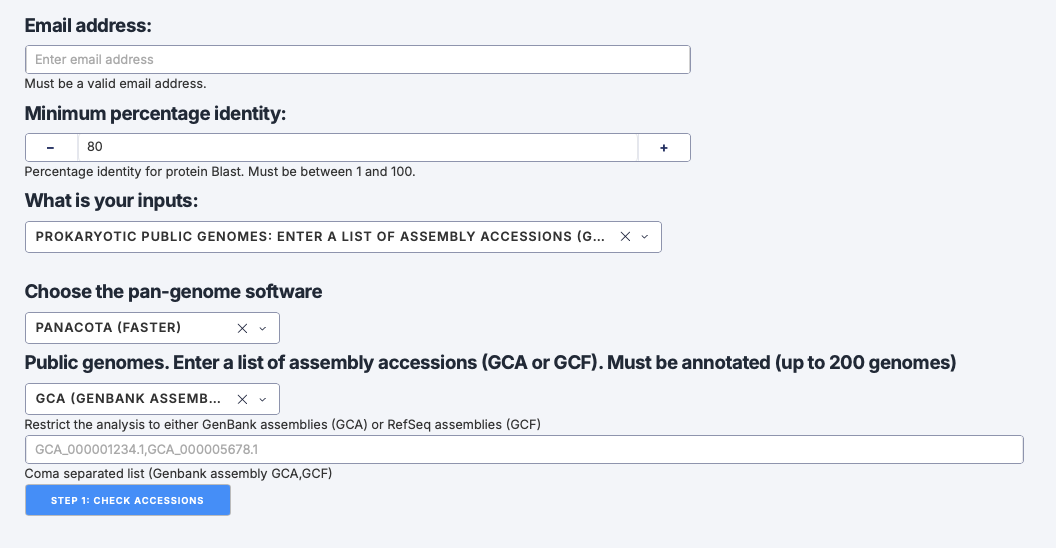
Now click STEP 1: Check accessions.
You should get a confirmation that the accessions are valid and ready for import.
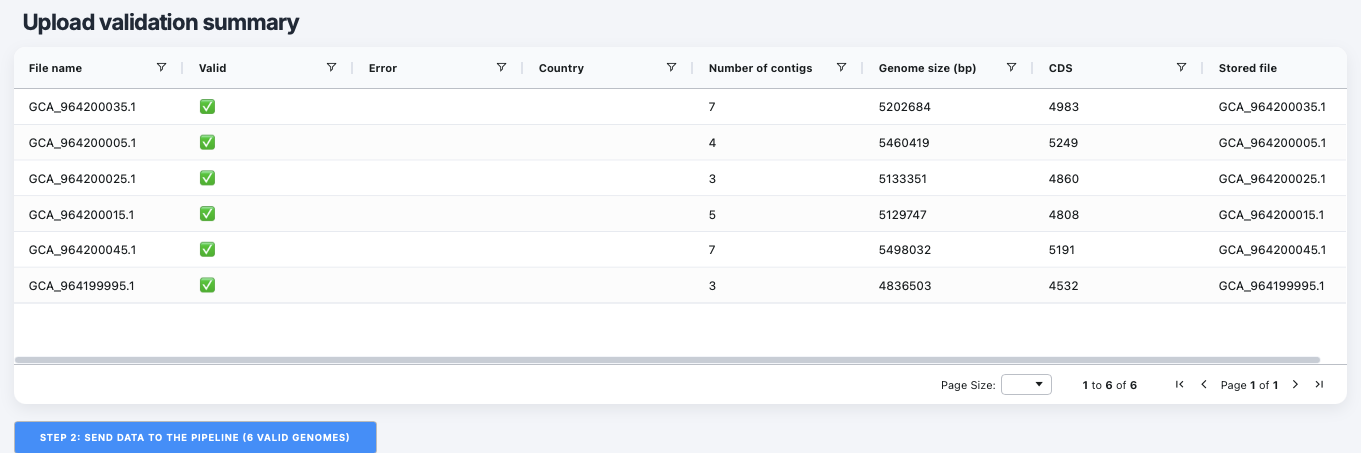
You can now proceed to start the analysis by clicking STEP 2: SEND DATA TO THE PIPELINE button in the PanExplorer interface.
You will get a confirmation message indicating that the data has been successfully sent to the pipeline for analysis, and an URL allowing you to visualise the data once the analysis is complete.

Explore the visualizations
Let’s Explore the visualizations and analyses provided by PanExplorer to gain insights into your pangenomic data. You will access a dashboard that provides:
- an overview of your current projet on panexplorer (currently only one).
- a view of the genomes available in your pangenomic analysis (we can keep all of them as it is by default).
- a drop-down menu to select you reference genome (for projection).
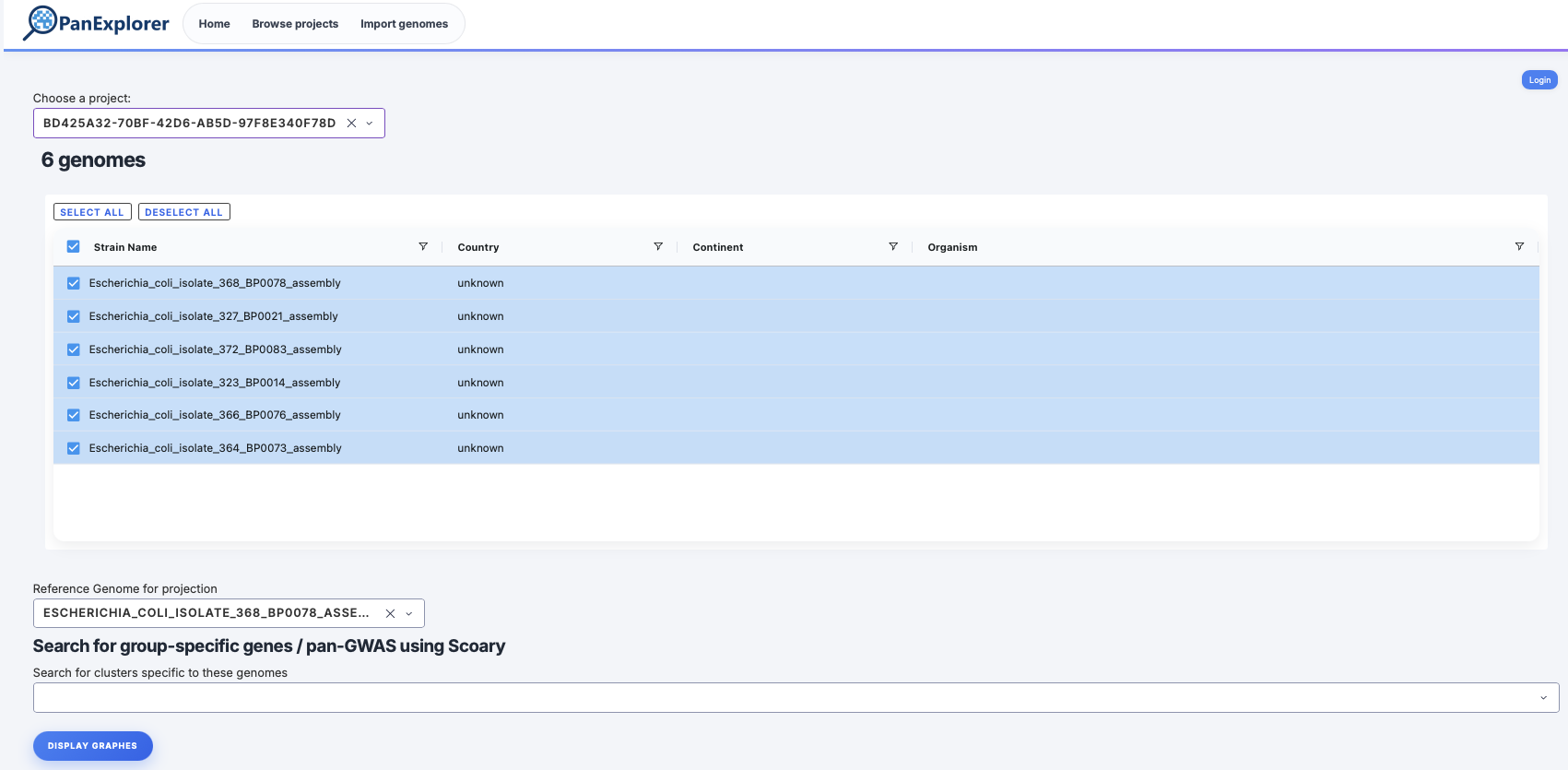
Click “DISPLAY GRAPHES” to visualize the different analyses and visualizations available for your pangenomic data.
- Navigate through the two main sections: “GENES (PANGENE ATLAS)” and “ANI”.
- Within the GENES “(PANGENE ATLAS)” Navigate between the various visualizations and analyses, such as “PAV MATRIX”, “HIERARCHICAL CLUSTERING”, “MACRP-SYNTENY”, etc.
More genome we add more pan-genes and core-genes number tends to stabilize.
Yes by flipping the orientation of the synteny blocks. 
- Go to the statistics section an run an enrichment analysis (CORE-GENES VERSUS ACCESSORY GENES). In other term, it investigates whether a particular functional categories of genes are statistically overrepresented in the core genome or the accessory genome.
example of result: 