Genome Annotation Visualisation
Time: 15 min
Objectives: Be able to visualize annotation, and all related data (GFF/BAM/FASTA) .
Tools: Jbrowse2
Related ressources : https://training.galaxyproject.org/training-material/topics/visualisation/tutorials/jbrowse2/tutorial.html
Foreword
Visualizing genome annotations is crucial for understanding the structure and function of genomic elements. Tools like JBrowse2 and IGV allow researchers to explore genomic data interactively, providing insights into gene organization, variant effects, and other genomic features. In this section, we will focus on using JBrowse2 for visualizing bacterial genome annotations.
JBrowse2
JBrowse2 is a pluggable, open-source computational platform for integrating many kinds of biological data from many different places
Features
Improved visualization of structural variants and genome synteny with tightly-integrated linear, circular, dotplot, and synteny views
In-browser protein 3D structure displays with integrated alignment and phylogenetic tree views. Mouse over a genomic variant to see where it lands on the structure!
Support for many common data types including BAM, CRAM, tabix indexed VCF, GFF, BED, BigBed, BigWig, and several specialized formats
Powerful extensibility with a plugin ecosytem which can add additional view types, track types, data adapters, and more!
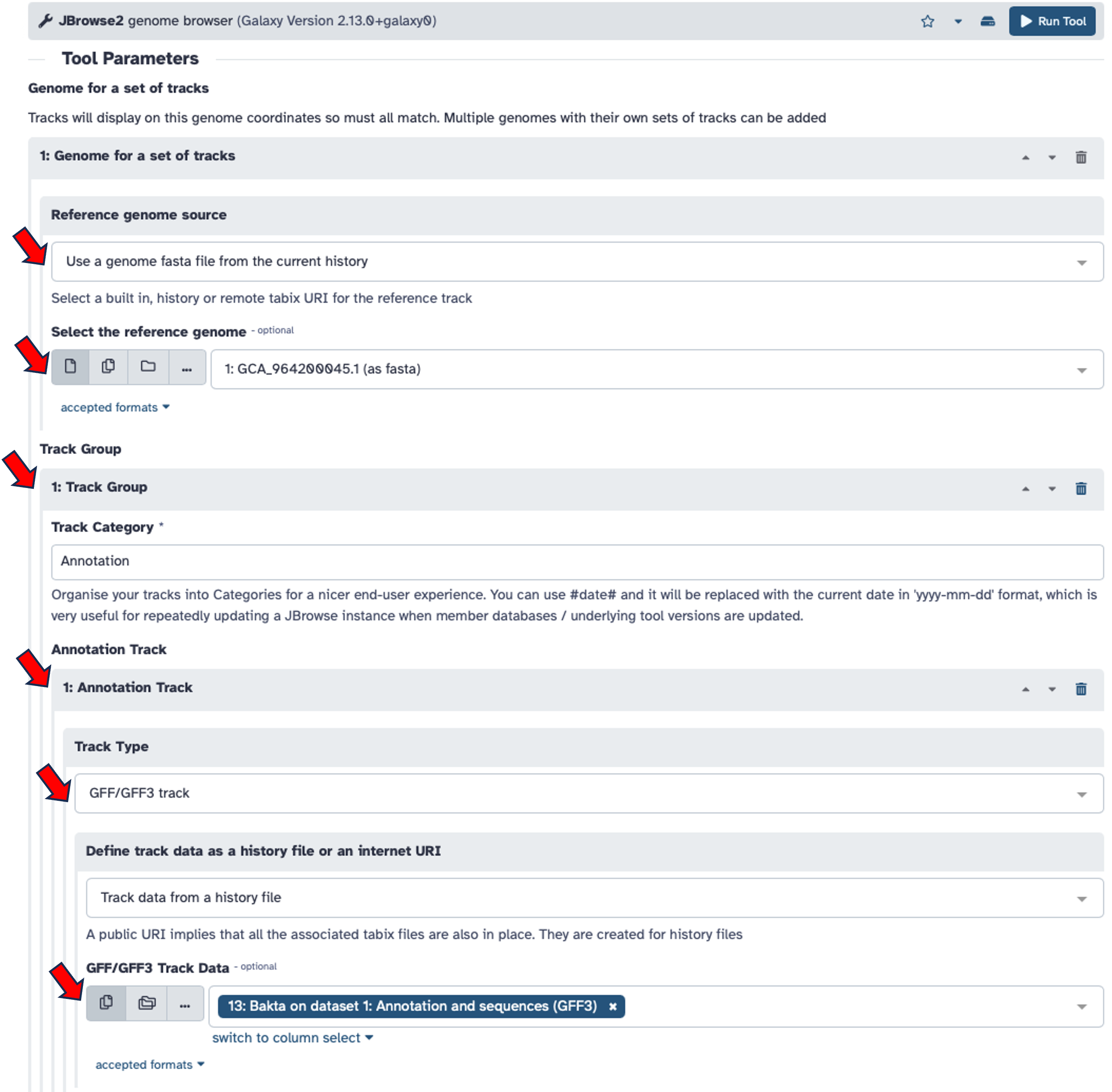
Search for the
Jbrowse2toolkit in Galaxy
Select your reference genome from history in
Reference genome sourcesection.Click on
Insert Track Group
Click on
Insert Annotation Track
Select the
Track Typeto GFF/GFF3 track.Select
Track data from a history fileSelect the
Bakta Annotation and sequences (GFF3)file.Run the tool
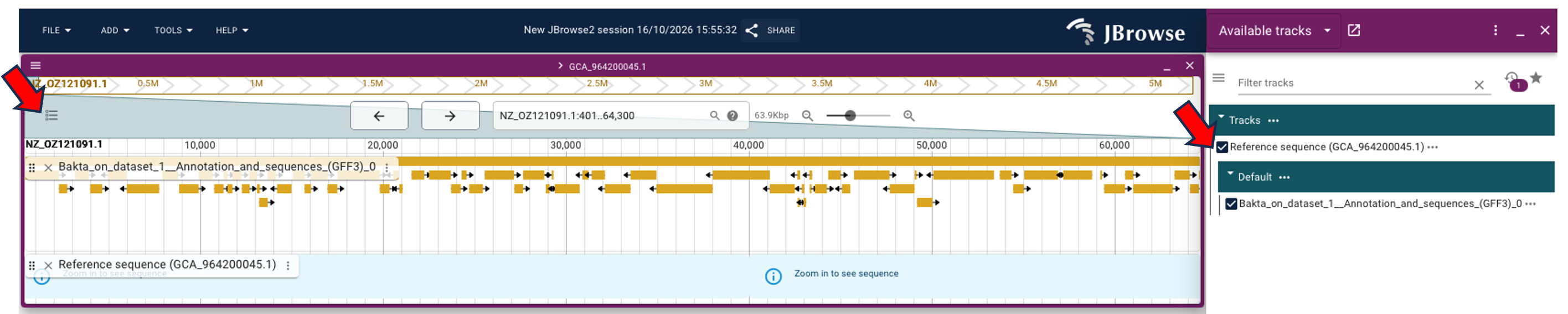
=> On Jbrowse2 Genome browser by clicking on on the Jbrowse2 line in your history on the right side.
We can now oberve all the annotation features on their sequences.
Now click on
 to display the
 Available tracksright menu bar.Now select
Reference sequenceand theannotation gff3track from the available tracks.
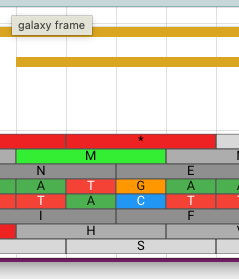
You should find something like that for a start: 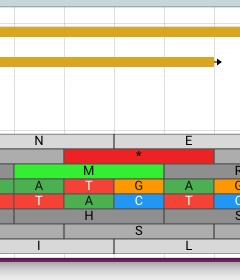
You should find something like that for an end: